
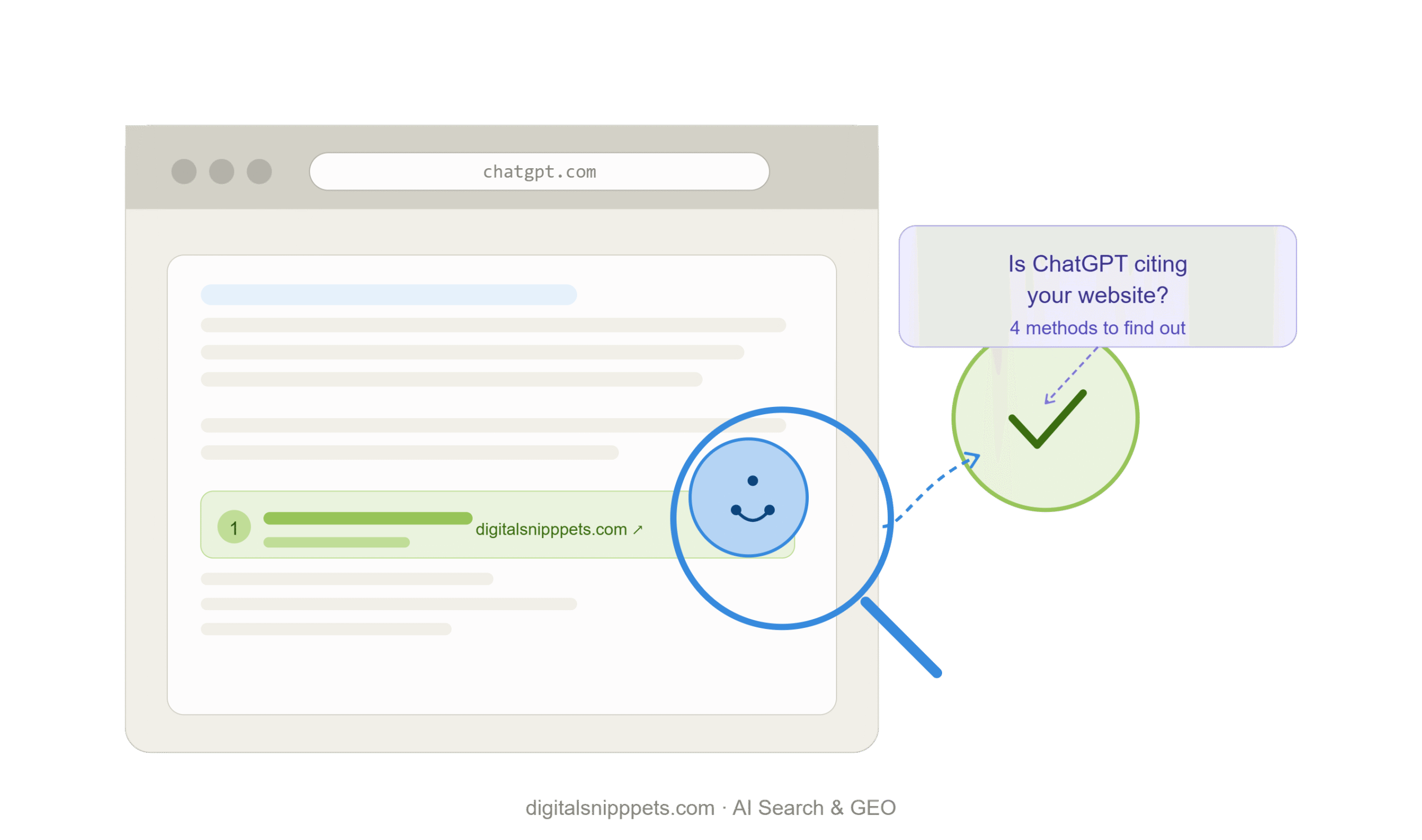
You can’t see ChatGPT’s traffic the way you see Google’s. There’s no Search Console for it, no public ranking report, no email alert that says “you were just cited.” That gap is exactly why so many site owners are asking the same question right now: is ChatGPT even reading my content, let alone citing it?
The honest answer is that you can find out — just not with one single check. You need to combine a few methods, because each one tells you something different. Here’s how to actually do it, in order from easiest to most technical.
A growing share of people now ask ChatGPT a question and never click a single link. The model reads, summarizes, and sometimes cites a handful of sources right inside the answer. If your site is one of those sources, you get visibility you didn’t have to fight for in a crowded SERP. If it isn’t, you’re invisible in a channel that’s quietly becoming part of how people research, compare, and decide.
This isn’t a replacement for SEO. It’s an additional thing to measure, the same way you’d track referral traffic from Reddit or YouTube.
This is where most people get confused, and it changes everything about how you test.
ChatGPT can answer in two very different modes:
If you ask ChatGPT something and it answers instantly with no links, that’s almost always the first mode. To actually test citation, you need to push it into the second one.
Open a fresh chat and ask questions the way a real customer would — not “tell me about [your topic],” but the kind of comparison or recommendation question that needs current information to answer well.
A few patterns that tend to trigger a real search:
Watch for two things: whether it searches at all (you’ll usually see a brief “searching the web” indicator), and whether your domain shows up among the cited sources once it answers.
One test means nothing. Run the same set of prompts weekly, written down somewhere you can compare over time — a simple spreadsheet works fine. A single appearance could be luck. A pattern across weeks tells you something real.
This is the most concrete evidence you’ll get, because it doesn’t depend on what a chat window happens to show you on a given day.
OpenAI runs a few named bots, and each one does something different:
If your hosting gives you access to raw server logs (most do, sometimes through cPanel or your hosting dashboard), search those logs for these user-agent strings. Seeing OAI-SearchBot or ChatGPT-User visiting your pages is a strong signal you’re in the pool of pages ChatGPT can pull from. Seeing nothing at all is also useful information — it usually means the content hasn’t been discovered yet, or something is blocking it.
While you’re in there, check your robots.txt file too. It’s surprisingly common for a site to accidentally block the exact bot it wants visibility from, especially after a theme or plugin update resets the file.
In Google Analytics 4, go to Reports → Acquisition → Traffic acquisition, and look through your referral sources for chatgpt.com or chat.openai.com.
A couple of honest caveats here. This traffic is often small right now compared to organic search, so don’t expect a flood. It also sometimes gets bucketed under “Direct” traffic instead of showing as a clean referral, depending on how the link was shared and what tracking parameters survived the click. If you want a cleaner read, set up a custom channel group or a simple filtered exploration in GA4 that isolates these domains so they don’t get lost in the noise.
Even a handful of sessions from this source confirms something the other two methods can’t: a real person clicked through from an actual ChatGPT answer.
Once you’re tracking more than a handful of pages, doing this by hand every week gets old fast. A small category of tools now exists specifically for this — they run a set list of prompts against ChatGPT, Perplexity, and Gemini on a schedule, and log whether and how your brand or domain shows up in the answers.
You don’t need one to get started. But if AI visibility becomes something you report on regularly, it’s worth the subscription once manual checking starts eating real time.
There’s no shortcut, but there is a clear list of things that tend to help:
None of this works overnight. Treat it the way you’d treat SEO: a direction you commit to, not a switch you flip.
No. It runs its own crawling and indexing system, separate from Google. Ranking well on Google doesn’t automatically mean anything to ChatGPT, and vice versa.
No. They measure and reward different things. A page can rank on page one of Google and never get pulled into an AI answer, and an obscure page can occasionally get cited if it answers a specific question unusually well.
Weekly is reasonable for a small site. Daily is overkill unless you’re tracking dozens of pages or running active campaigns you need to measure quickly.
You can block its crawlers through robots.txt, which is a legitimate option if you’d rather opt out entirely. Just understand that doing so also removes any chance of citation or referral traffic from that source.